Teacher Organization: Desk Calendar & Spiral System That Works!
Teacher Organization Made Simple: The Desk Calendar and Spiral Notebook System That Actually Works
Are you ready to get organized? As teachers, we truly have too much on our plates and so much to keep track of; it can feel exhausting! Between team meetings, staff meetings, IEP meetings, parent meetings, school events, testing windows, professional development, project due dates, and so much more, keeping a calendar and keeping up on notes can feel overwhelming.
With anything, I think we are all searching for that magic system that does it all and keeps us on track. Since teachers cannot afford to hire a personal assistant, I am hopeful that my experience can help. I have tried every system out there!
- Elaborate, ornate, and very expensive planners
- Teacher-created digital download planners/notebooks
- Electronic calendars
- Electronic notebooks
- Planner/Notebook combinations
These are just the ones that come to mind! Believe me, there have been more variations of what is listed above. Over the last two decades, I have found that elaborate systems, fancy planners, or new digital tools won’t keep all of my meetings and notes organized. In the end, I will only stay organized if I actually use the tools I have adopted.
In the End, Simplicity Wins
What I found was that I would spend tons of time preparing these tools to keep me organized, only to abandon them three weeks into the school year. I would then spend the rest of the year hopping to different systems, reinventing the wheel, and ultimately feeling stressed about keeping everything together.
My lightbulb moment was when I realized that simplicity always wins! I need an organizational system that is easy to use, always at my fingertips, and requires no additional steps or tools.
Here are some reasons why these systems did NOT work for me:
- Beautiful and expensive planner: as silly as it sounds, I found myself not wanting to write in this planner with just any pen/pencil. I wanted everything to look nice and perfect, since I had paid so much for the planner, so I wasn’t updating it in real time. It became a chore and too much pressure!
- Digital calendar and notes: I have tried this so many times! The problem with a digital calendar and notebook is that you actually need a device. My school laptop is often tied up, connected to a document camera, or being used to check emails. It was not easy for me to access these items on my laptop! I tried to use my phone, but looking at my phone all day long is a no-no on campus. Too stressful!
- Digital Downloads: a great idea, loved the organization of it, but I didn’t keep up on making the copies, and then found myself having to lug a binder around. Now, this seems like a silly problem to have, but if you know, you know. Having to make one more copy and carry around a binder is enough to make a teacher abandon this option.
So, I took a step back and assessed what I really needed:
- A calendar that is easily accessible and visible.
- An easy way to take notes and store important information for meetings and training.
Here is what I came up with.

Desk Calendar
Yup, you heard it correctly. I bought a big desk calendar.
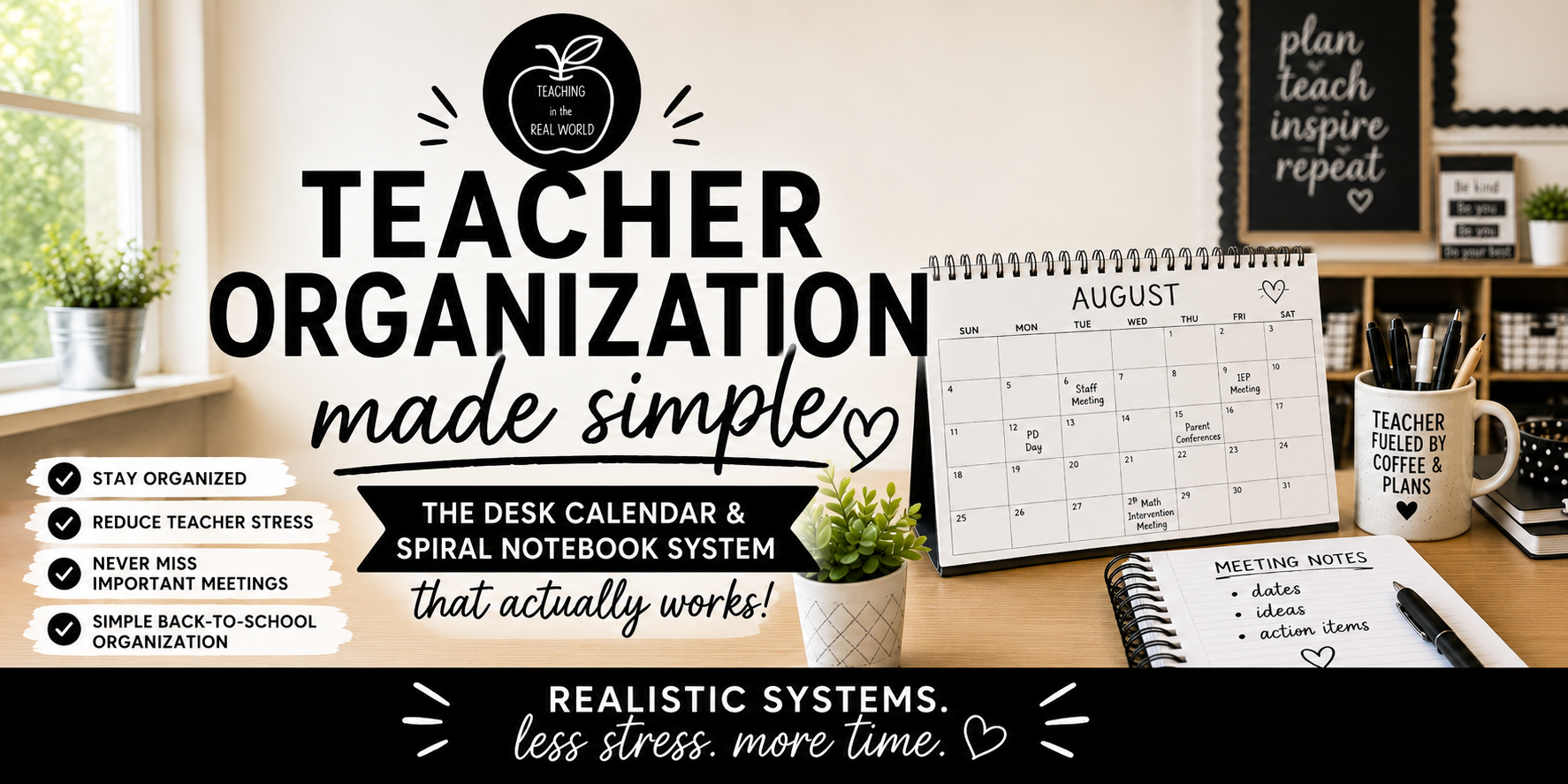
This calendar is large, easy to see, and has plenty of space to write down upcoming events, meetings, testing windows, conferences, professional development, you name it. This large yet simple calendar also eliminated a task for me…communicating with co-teachers.
As a general education teacher for the upper and middle grades, you know that there are always a variety of specialists and teachers coming in and out of the classroom. So, I let them know that my desk calendar was for everyone’s eyes; this took the pressure off of me to communicate upcoming tests or parent meetings. It became part of the routine of the special education teacher who pushed in during my class; she would pause at my desk and check my calendar for any new events. The same thing happened for the math interventionist and then my administrator. It was great because they could see what I had planned at a glance, but they could also see that I was organized and had it together!
I could also easily see what I had coming up. No more “surprise” meetings. It was super easy to add to the calendar, and honestly, it helped me to keep my desk a little more organized too. I made adding to my calendar part of my after school routine, so it was always up to date. In the real-world classroom, simplicity will always win. When things are simple, they are effective.

Spiral Notebook
So, now that I had my calendar situation figured out, I still needed a way to organize all of the important information, dates, notes, etc., that I needed to use throughout the school year. In the past, I have tried to have a calendar/notebook combination, but it just never worked out. Either the space for notes wasn’t large enough or what I needed, or the book was too cumbersome to lug around; whatever silly reason got into my head, it prevented this combination from working out. Time to simplify!
I scaled back to the simplest thing I could think of…a spiral notebook. I use interactive student notebooks in my class every day; they are super effective, so I thought why not? I essentially created a teacher version of an interactive student notebook.
Here is what I pasted into my notebook:
- District Calendar
- Daily Schedule
- Early Release Daily Schedule
- Staff Meeting Dates
- District Due Dates (grades, conferences, etc)
I pasted any important reference sheets I would need throughout the year into the front of the notebook. The goal was to fill the entire notebook by the end of the year. I would only have one notebook for everything; less to keep track of, and all of my notes were in one spot.
I did make a few guidelines for myself regarding the notebook, which helped to keep it organized. I carried the notebook to every meeting and put all pertinent information into only that notebook.
Teacher Notebook Guidelines
- Don’t skip or tear out pages.
- Place date and meeting title at the top of each page.
- Take it to EVERY meeting (no matter the topic or attendees).
That was it. Simple, easy, effective, and I never went to a meeting empty-handed. If I needed information from a prior meeting, all it required was a little bit of flipping through the notebook. But, because I had labeled and dated each page, it was pretty easy to find previous notes.
Do What Works for You!
Now, this system is one that finally worked for me, after almost a decade of trying a bunch of other organizational systems out there. But the moral of this story is that you have to find the calendar and note organizational system that is simple and accessible, and most importantly, will work for you. Remember, flashy does not mean effective! In the real-world classroom, scaling things down to their simplest form often helps to make life easier. Realistic changes empower the real-world teacher!