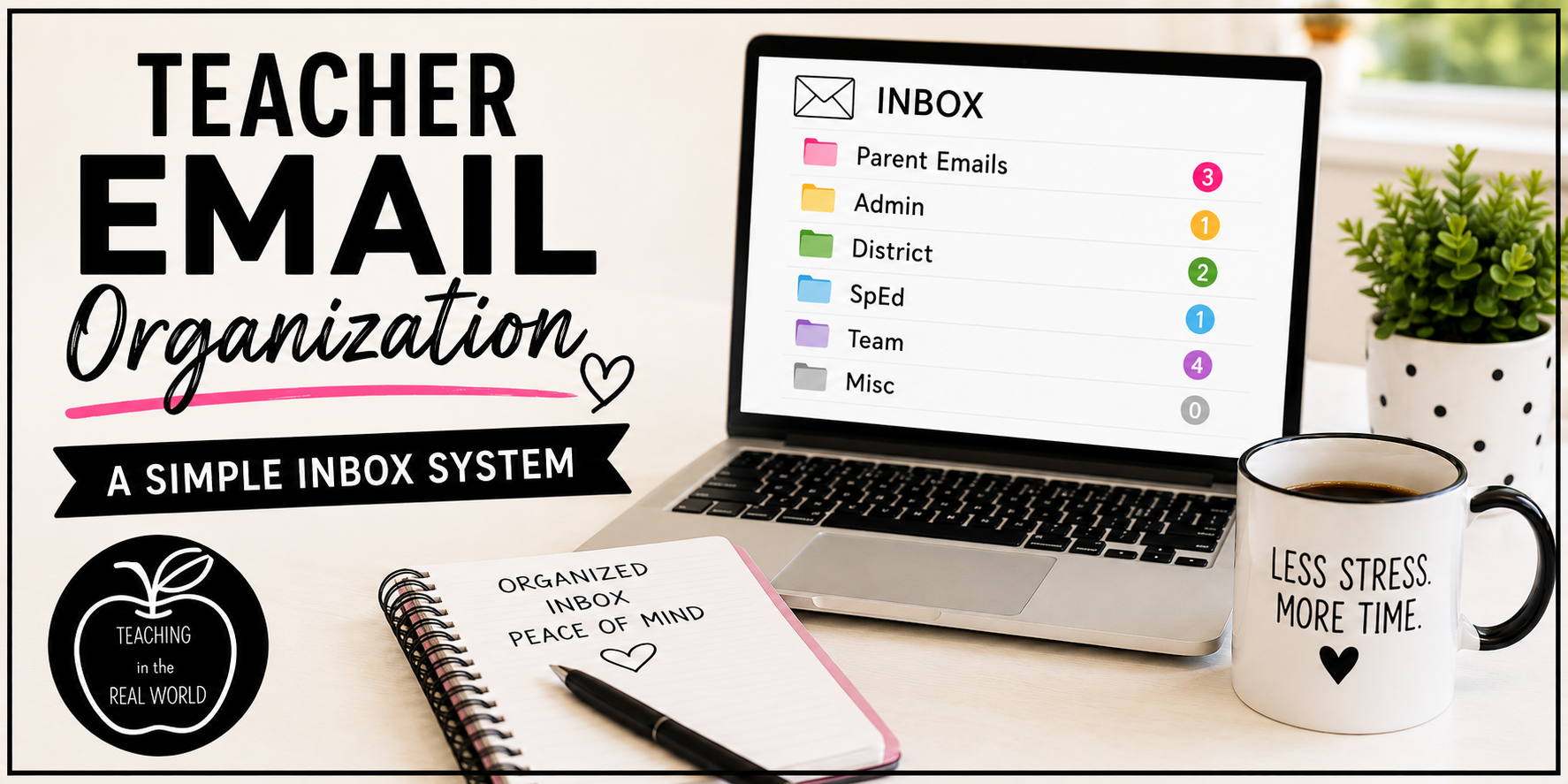
Teacher Email Organization: A Simple Inbox System
Teacher Inbox Organization: The Simple Inbox System That Saves Time and Reduces Stress
Whether you are looking for a back to school teacher organization boost or looking for realistic organization strategies to simplify your life, you are in the right place! There is one area that we often forget to organize, yet we are constantly using it, and honestly, it can be a major pain point: YOUR EMAIL INBOX!
Now, I know what you are thinking: why do I need to organize my inbox? Well, if you are anything like me, you are constantly inundated with emails, parent correspondence, district information, and so much more! Looking at that inbox filled with emails is like looking at an unfinished to-do list, and it is overwhelming. That is why I decided to develop a realistic and practical organizational strategy to keep up with my inbox.
Here is why you should take 15 minutes to get it organized:
- No more wondering…did I respond to that email?
- No more searching through an endless list of emails when you are looking for a specific correspondence.
- No more accidentally deleting emails.
- No more cortisol spikes as you log in and see a page filled with emails.
If you take a few minutes to organize your inbox now and stick to the realistic guidelines explained below, you will find that adopting this habit will create peace of mind. And as teachers, we need all the peace of mind we can get!

Email Folders
The first step in getting your inbox under control is to create folders so that you have a place to file your emails.
These are the folder titles that I use, but you can definitely personalize them to fit your needs.
- Parent Emails…any correspondence from parents.
- Admin…emails from your principal or assistant principal (aka administrators).
- District…all emails from the district office.
- SpEd…communication from special education teacher, school psychologist or speech pathologist.
- Team…anything from your grade level team, reading interventionist, math interventionist, art, music, physical education, etc.
- Misc…whatever emails don’t “fit” into any of the other categories.
I realize that this is not groundbreaking, but by creating these folders in your inbox, it allows a place to file the information away once you have used it and dealt with it. Get it out of your inbox and watch your stress levels dip. The next question that is likely coming to mind is: when do I file the emails?

When to File
Here is where a little bit of discipline is needed. Filing your emails is a way to keep your inbox clear, but you must have some order to the process; otherwise, you will be right back in the midst of email chaos.
File emails when all of the following items are completed.
- Email has been read–completely.
- Any pertinent information has been printed (and likely glued into your teacher spiral) or written down.
- If a return email is required, it has been written and sent.
- If the email required completion of a task, training, or anything to be done, that task has been completed.
Sticking to these guidelines is an easy way to ensure that all emails are attended to. Nothing will be left unanswered or forgotten. Just stick with this realistic strategy, and you will have a clear inbox all year long.
What is the Point of Filing?
We have our folders; we have our filing guidelines, so you are likely wondering…why am I taking the time to even file these emails? This question makes sense, as in this day and age, it is so easy to do a search to find any email you are looking for; you literally need a simple keyword, and the email is found in seconds!
But this system isn’t a way for you to archive your emails. I didn’t put it in place so that I could find the email later. I began to use this strategy so that I knew which emails I had already responded to, which emails had been dealt with, and which emails could leave the to-do list. This system helps you to keep track of your correspondence, tasks, meetings, and more by simply clicking and dragging.
Parent Emails
The main reason I began to use this system had to do with parent emails. Parents email me a lot in the upper grades and middle school, and I appreciate their communication, but when you have 150 students, it can feel overwhelming to see a huge list of parent correspondence in my inbox.
Some of the emails are simply asking if a student left a sweatshirt in my classroom, while other emails are very personal to explain an issue that is affecting the student right now; so seeing a huge list made it hard to decipher which ones still needed my care and attention. I have a 24-hour email response policy, and I want to be sure to get back to every parent within that time frame, so I really needed to know who I had replied to and who I still needed to communicate with.
The other reason why I needed a system was that I triage my emails throughout the day. What I mean is that I tackle the most time-sensitive email queries first. I couldn’t rely on the fact that the email subject had changed from bold to regular font as meaning it was read. I typically read or skim all of my emails throughout the day and go back and answer them in order of importance. With this real-world system, I know that once I file an email into the “Parent” folder, the email has been responded to; that email is off my plate, and I can move on to the next item that needs my attention.
All the Other Emails
The same idea follows for emails from my administrators, the district office, special education teachers, my team, interventionists, etc. Once I file the email, I am done and don’t need to worry about that message anymore. Here are some examples.
- My administrator sent an email asking to meet at a certain time. Once I write the time on my calendar and respond to the principal, that email is filed.
- The district office sends a virtual training video and quiz that must be completed by the end of the week. Once I complete the training and quiz, I file the email.
- The special education teacher sends an email regarding a student’s data folder and scores needed for their IEP meeting. Once I pass the data folder onto the special education teacher or respond with the information, the email is filed.
- The school psychologist sends a digital survey that I need to complete for a student. Once the survey is done, I file the email.
Once the task is done, the email is filed. I have to say, it feels pretty good to click and drag; it sounds silly, but the small things can shift your mood.
That is it! That is how I keep my inbox empty, or close to empty, for the entire school year. It is a simple strategy that actually works in the real-world classroom. There are so many benefits to filing your emails!
- No more emails falling through the cracks; NO missed correspondence, everyone receives an email.
- You are able to triage your emails; the most time-sensitive messages can be answered first, and then filed away.
- Information is not lost or buried in your inbox; by taking the 30 seconds to print or write something down, the information is easily accessible and ready to use.
- You don’t feel that ping of anxiety every time you open your inbox!
- A realistic system to keep you organized helps you to feel empowered; you can do this!
This has worked for me for so many years, and I am hopeful that it can help you too. Remember, small changes can make a big impact, and this small change regarding your inbox can help to save you time and lower your stress levels. Happy Teaching!